Cut precisely
Set exact in and out points on a thumbnail timeline, see removed sections, and export the parts you actually want.

Lossless Video Cutter
Mac · Free + Pro · Precise batch trimmingTrim finished videos on your Mac without opening a full editor. Mark precise ranges, export fast, and unlock Pro when cutting becomes a workflow.
Free download on the Mac App Store. Pro Lifetime unlocks unlimited exports, ranges, folder import, batch export, workflow presets, naming templates, and Export and Delete Originals. macOS 14 or later.
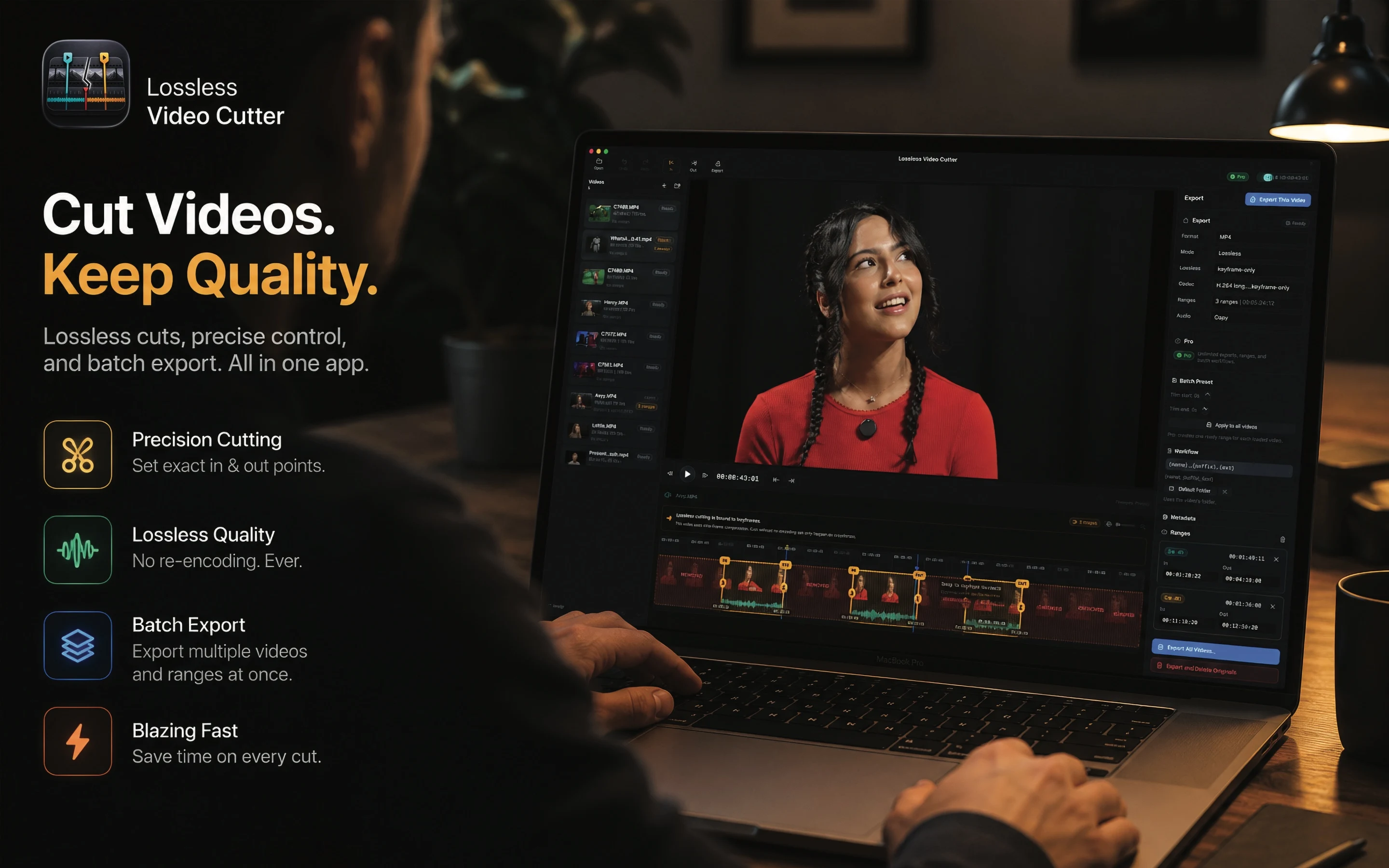
Version 1.1 adds a redesigned interface, clearer ranges, more precise exports, broader codec support, and Pro tools for batch work.
Set exact in and out points on a thumbnail timeline, see removed sections, and export the parts you actually want.
Use lossless stream copy whenever the codec and keyframes allow it, avoiding unnecessary re-encoding.
Import multiple videos or a folder, apply repeat trim presets, export all videos, retry failures, and keep moving.
Import and check local videos freely, with no account or upload.
Cut one video at a time for free, or unlock unlimited ranges and multi-file/folder import with Pro.
Export one clean clip, export every loaded video, or export and delete originals after successful output.
Free covers occasional trimming. Pro removes workflow limits and adds the tools that save time across many files.
Video list, playback, timeline, ranges, batch preset, naming template, and export actions stay in one focused flow.
Start free for quick cuts. Unlock Pro when the same work turns into folders, repeated trims, naming rules, and export queues.