the usual neXt Lab / Software Tools
Apps
Native macOS tools, from a media server for immersive venues to focused utilities for conversion, lossless cutting, HLS/M3U8 downloads, and duplicate analysis.
- Applications
- 05
- Platform
- macOS
- Processing
- Local

Mac · Coming soon
01 / MAC Application
TholusOS
Turn a Mac mini into a media server with playback, scheduling, multi-user remote control, and blending for up to 8 projectors through compatible output controllers. Details Show less
- 01Configure outputs
- 02Schedule the venue
- 03Manage remotely
Technical record and screenshots
Features and requirements
- Mac
- Media server
- Multi-projector
- Up to 8 projectors
- Blending and calibration
- Remote management
Mac · Free during beta
02 / MAC Application
VR Converter Studio
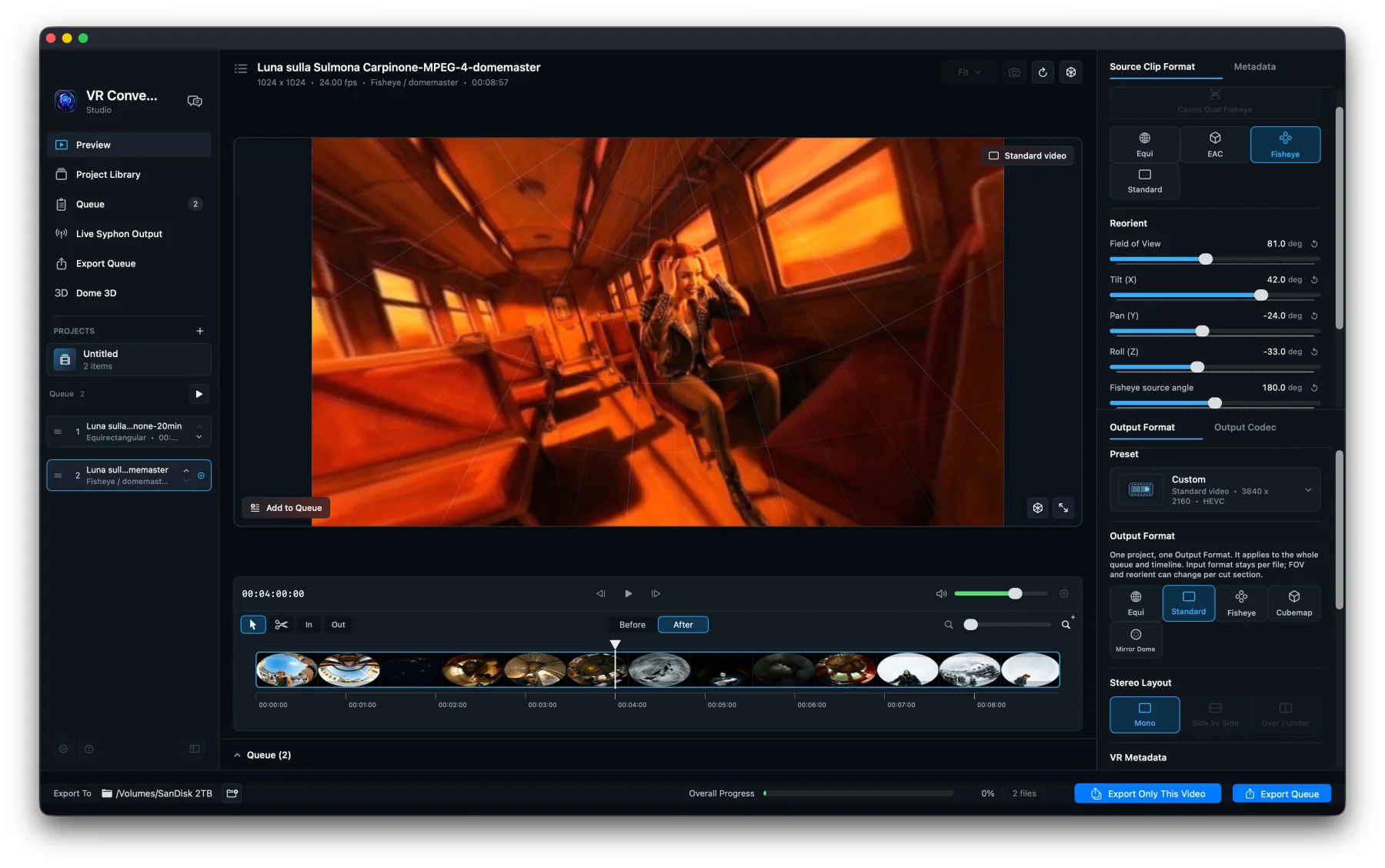
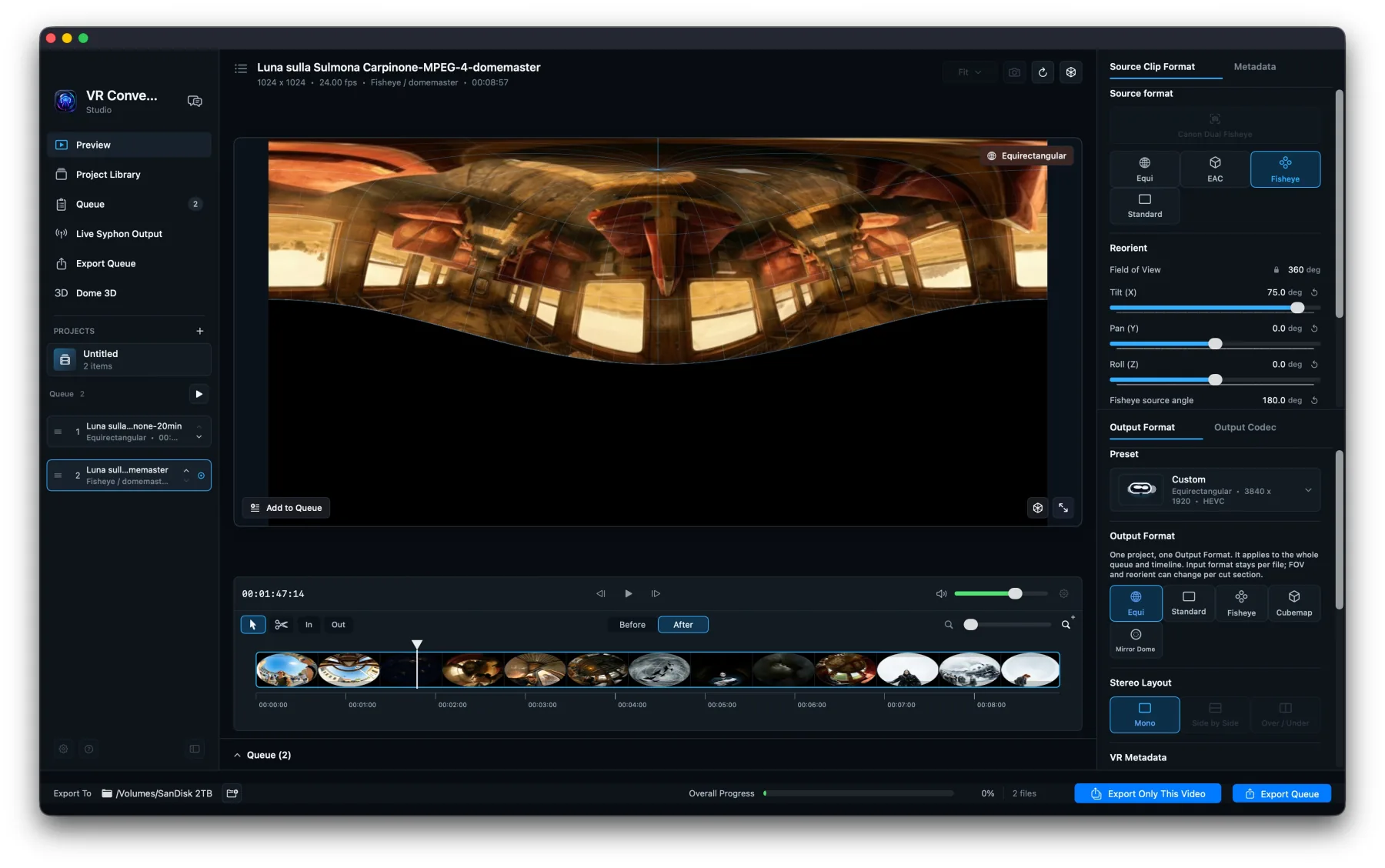
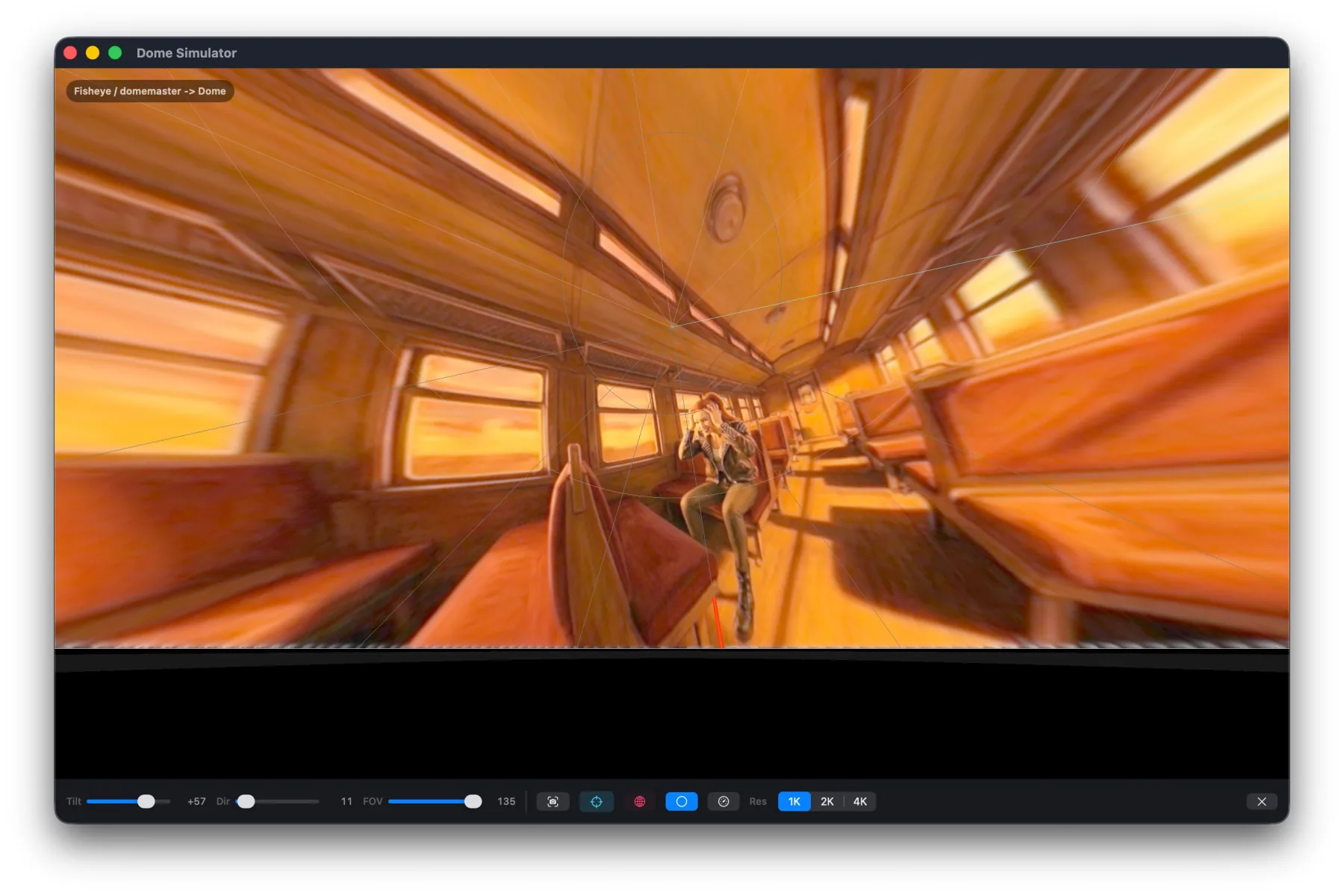
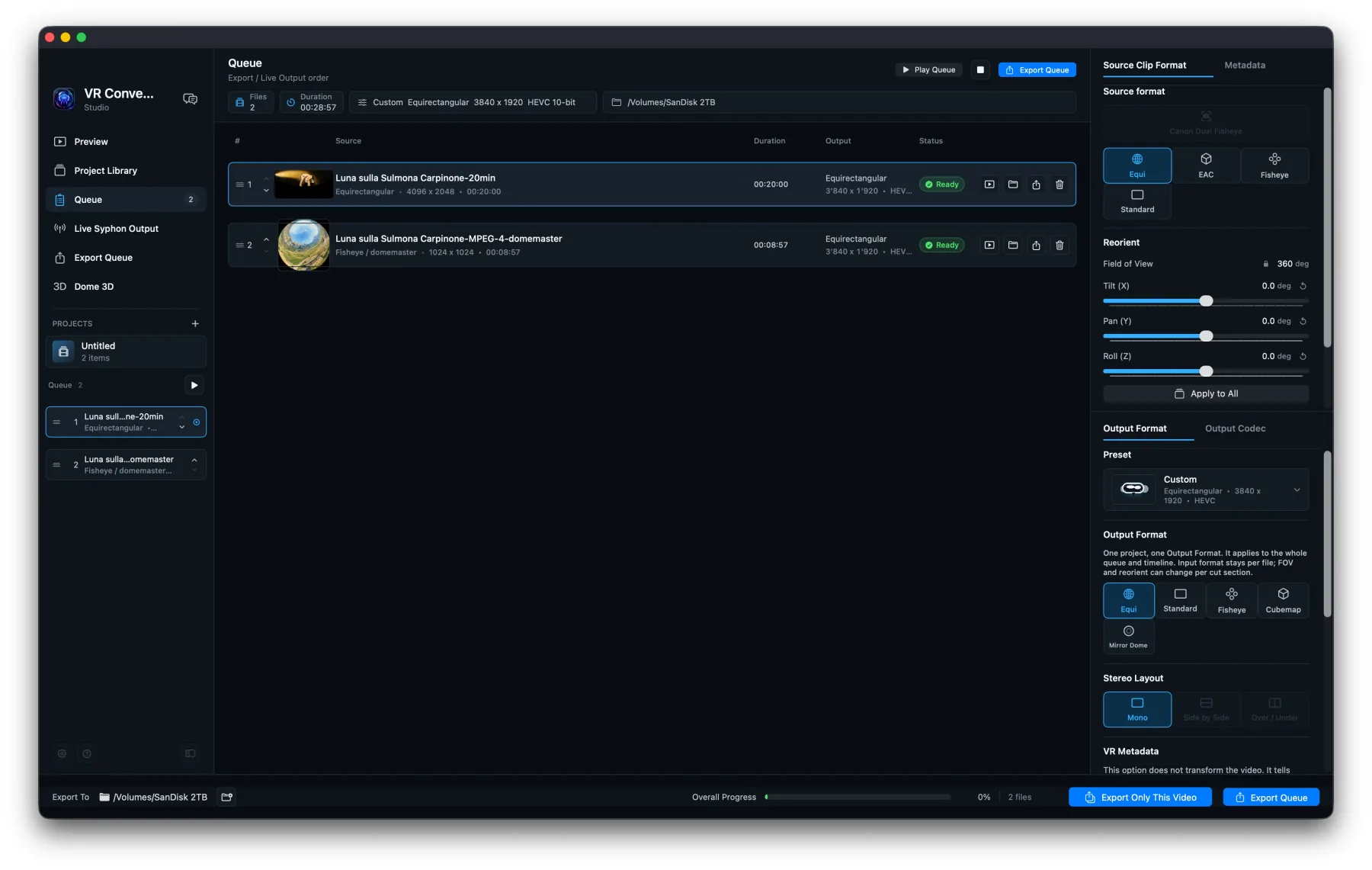
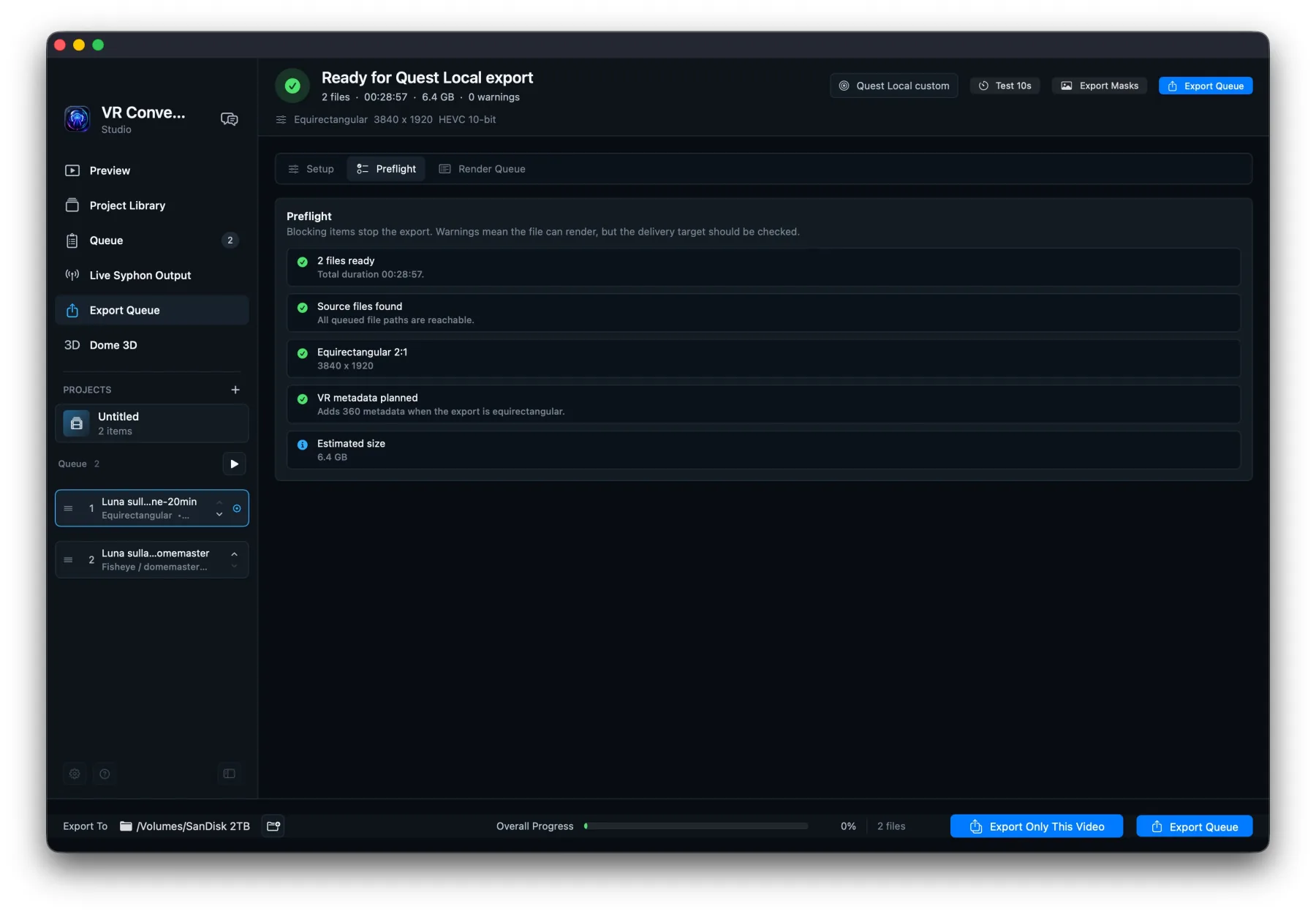
Reproject stitched monoscopic video on Mac: rectilinear, equirectangular, EAC or domemaster inputs; outputs also include 3×2 cubemap and mirror dome. Details Show less
- 01Import video
- 02Choose format
- 03Export
Technical record and screenshots
Features and requirements
- Mac
- Immersive video
- Utility
- 360° reprojection
- Dome preview
- Local Syphon output
Interface
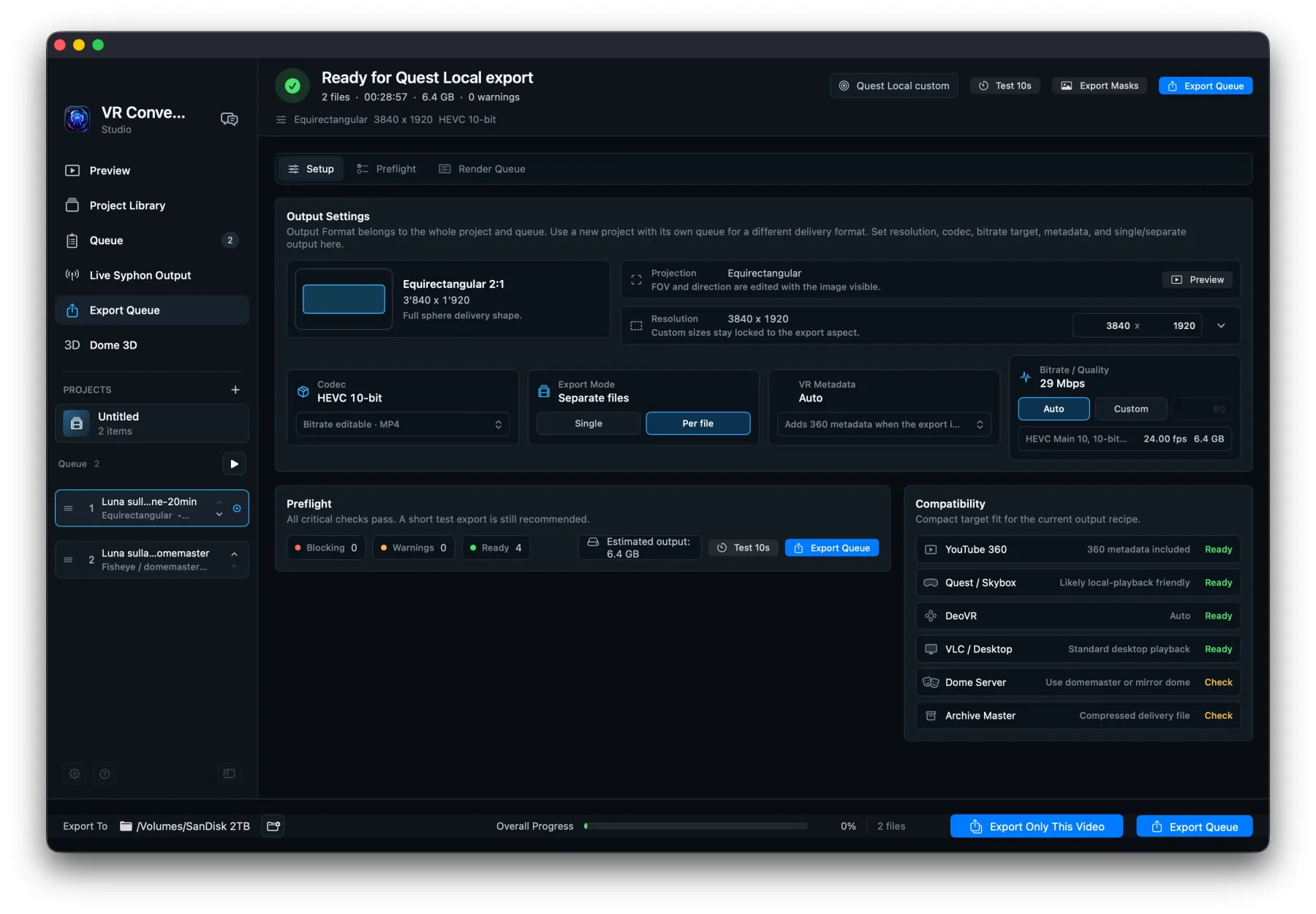
Mac · Free + Pro
03 / MAC Application
Lossless Video Cutter
Trim videos locally on Mac, keep original quality whenever possible, export quick cuts for free, and unlock Pro for folders, batch export, presets, and workflow tools. Details Show less
- 01Open videos
- 02Mark ranges
- 03Batch export
Technical record and screenshots
Features and requirements
- Mac
- Photo & Video
- Free + Pro
- Free export
- Batch export
- macOS 14+
Interface
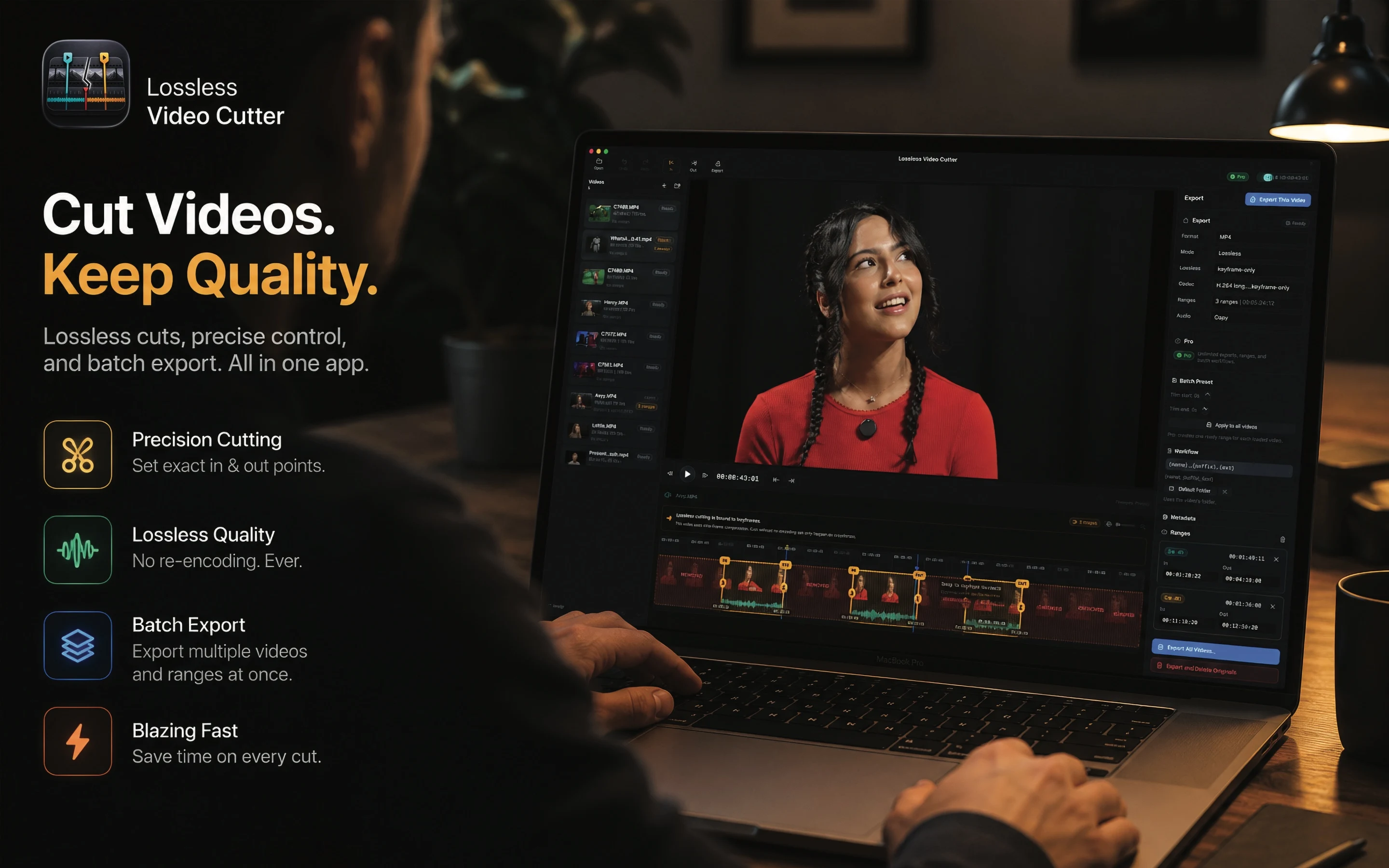
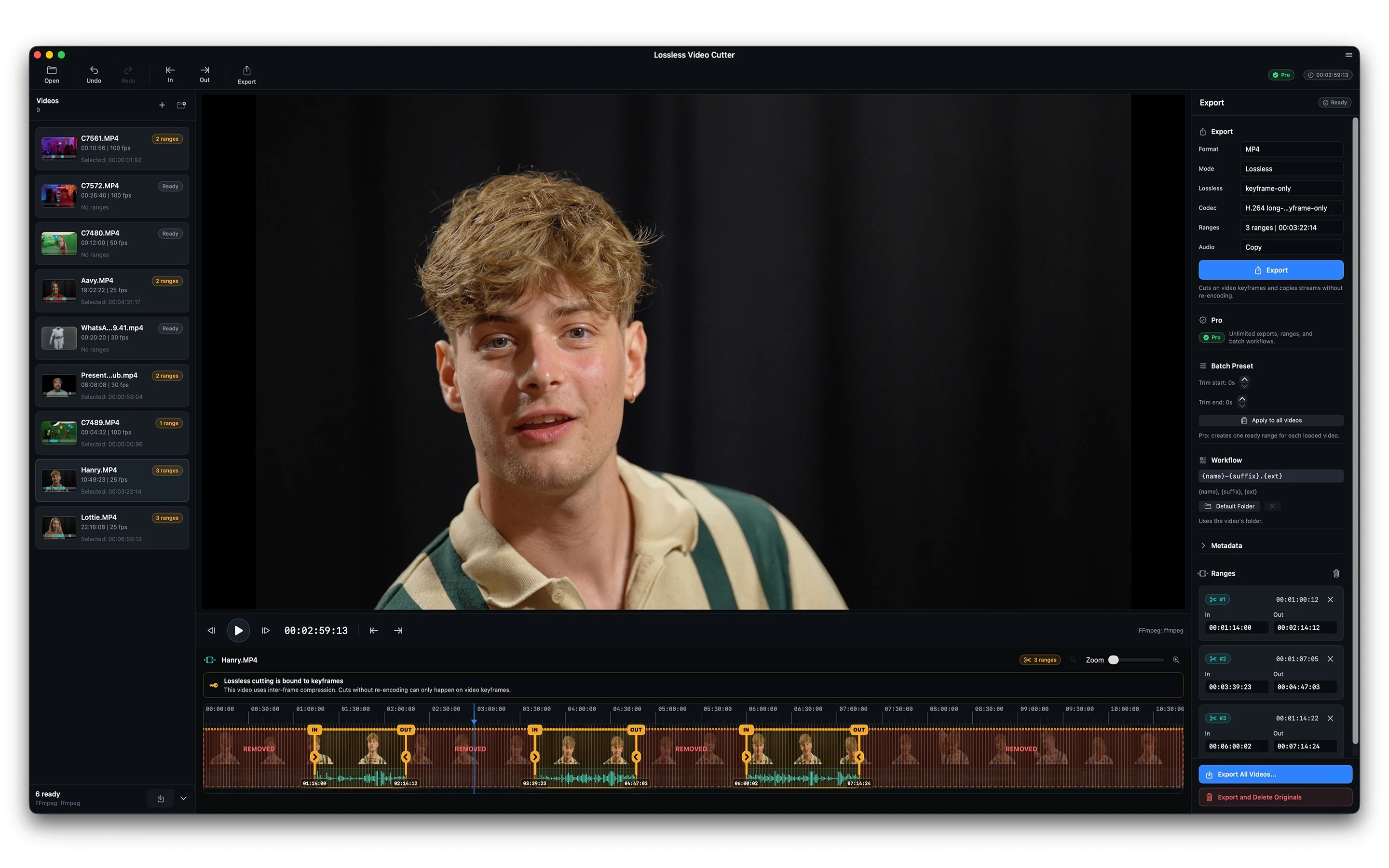
Mac · Free download
04 / MAC Application
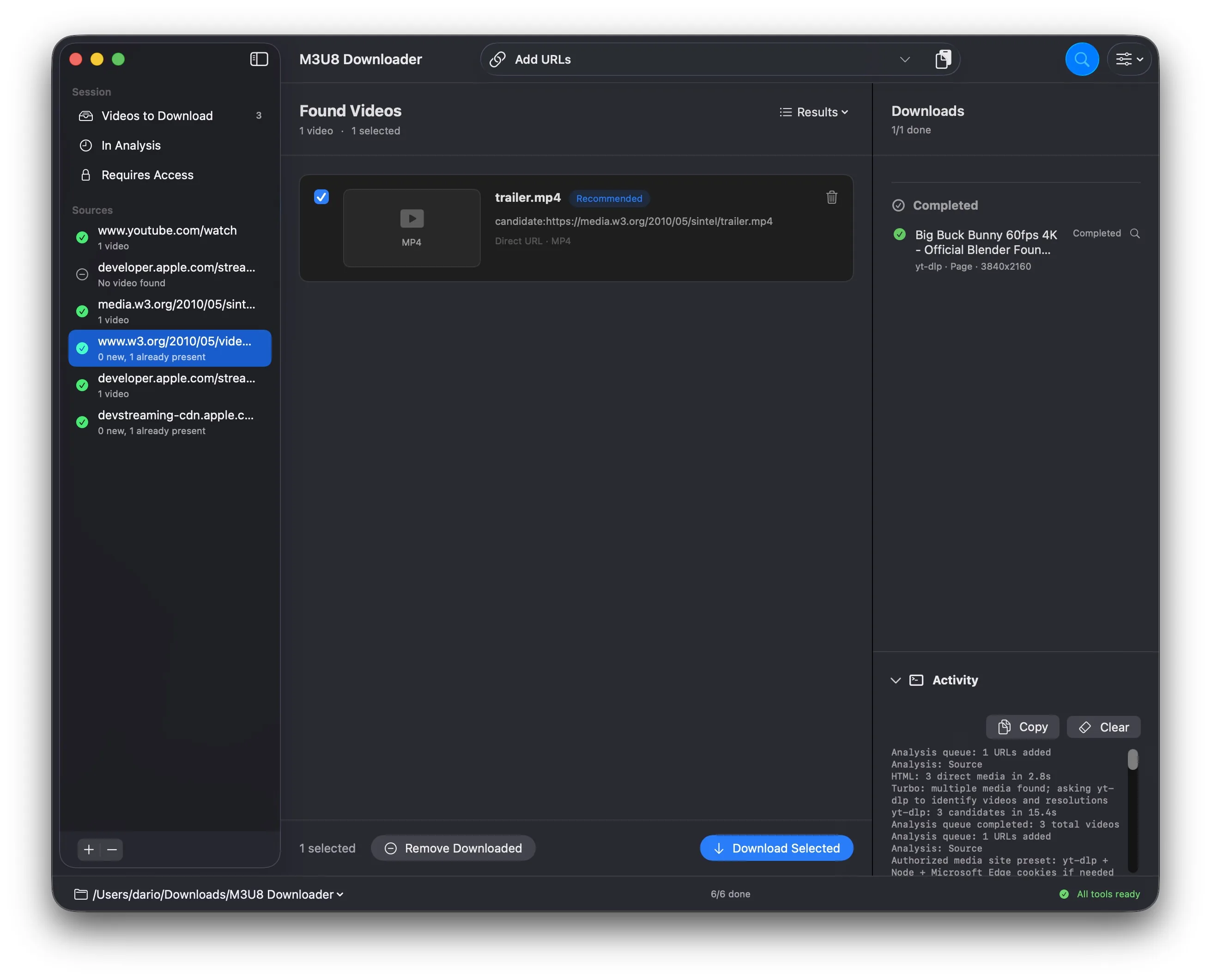
M3U8 Downloader
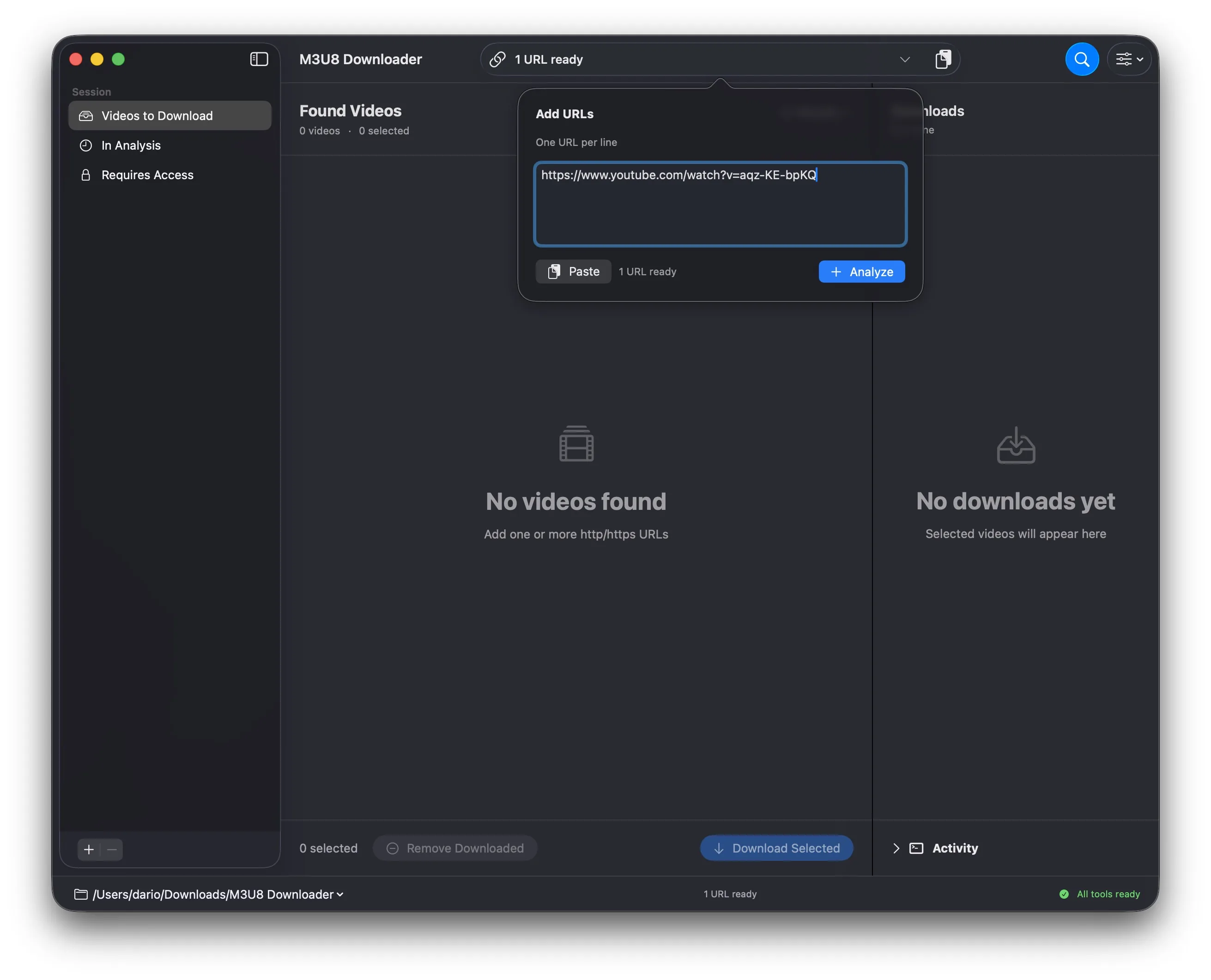
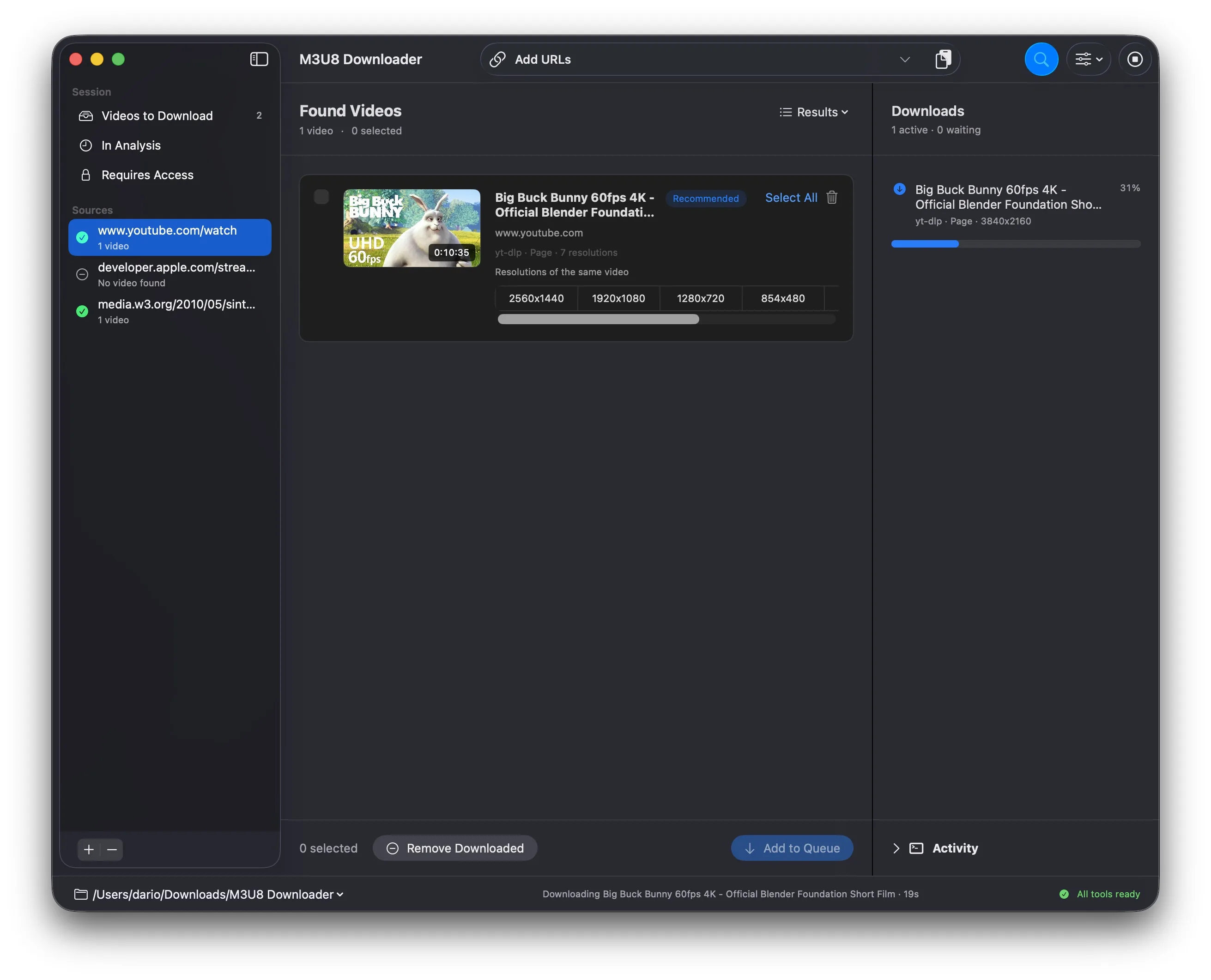
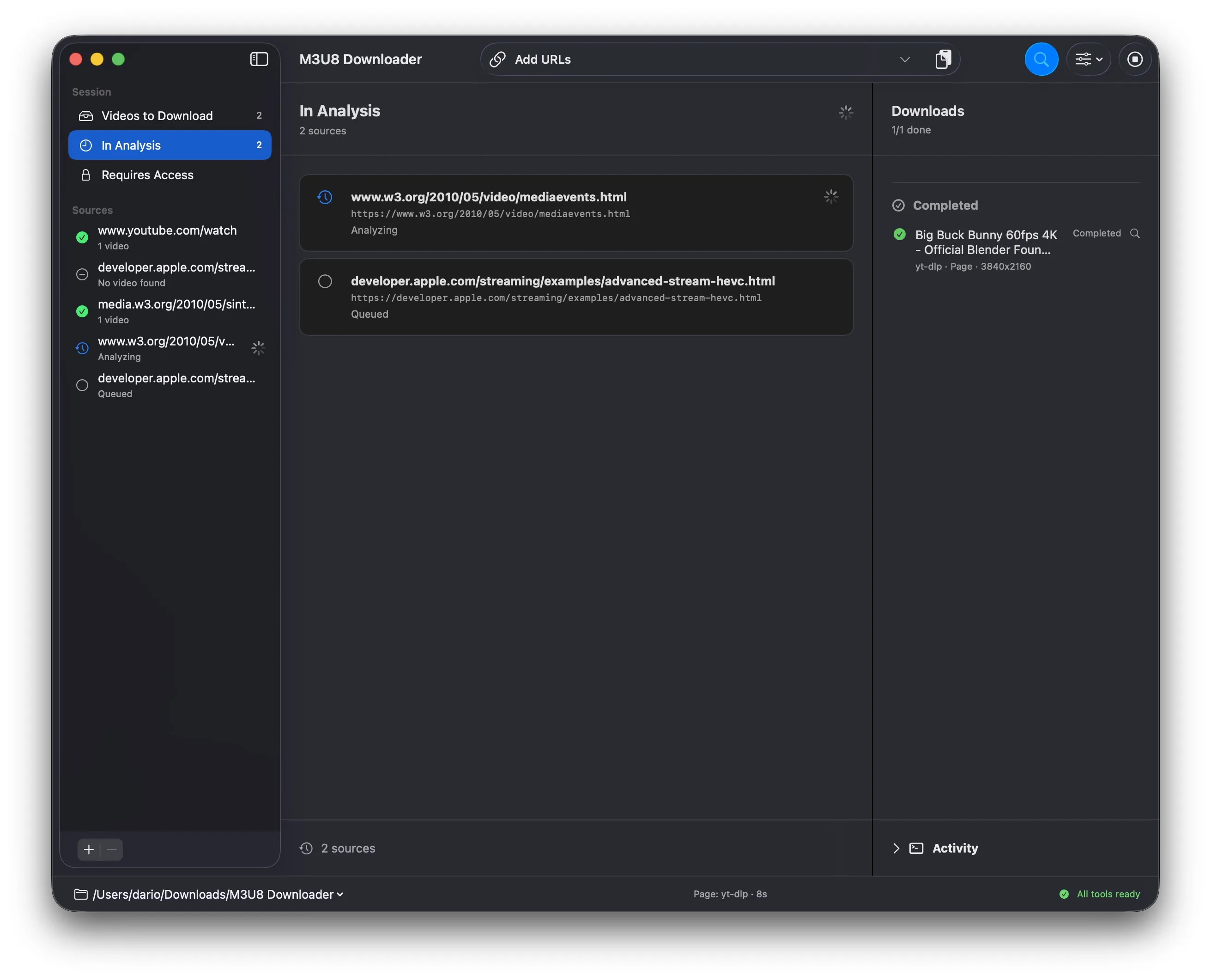
Analyze video pages, HLS/M3U8 and DASH streams, and direct files. Choose quality, manage optional cookies, and download multiple videos to your Mac. Details Show less
- 01Paste URLs
- 02Choose quality
- 03Download to Mac
Technical record and screenshots
Features and requirements
- Mac
- HLS/M3U8
- Utility
- HLS, DASH, and direct files
- Selectable quality
- Apple Silicon · macOS 14+
Interface
Mac · Free
05 / MAC Application
Similiter
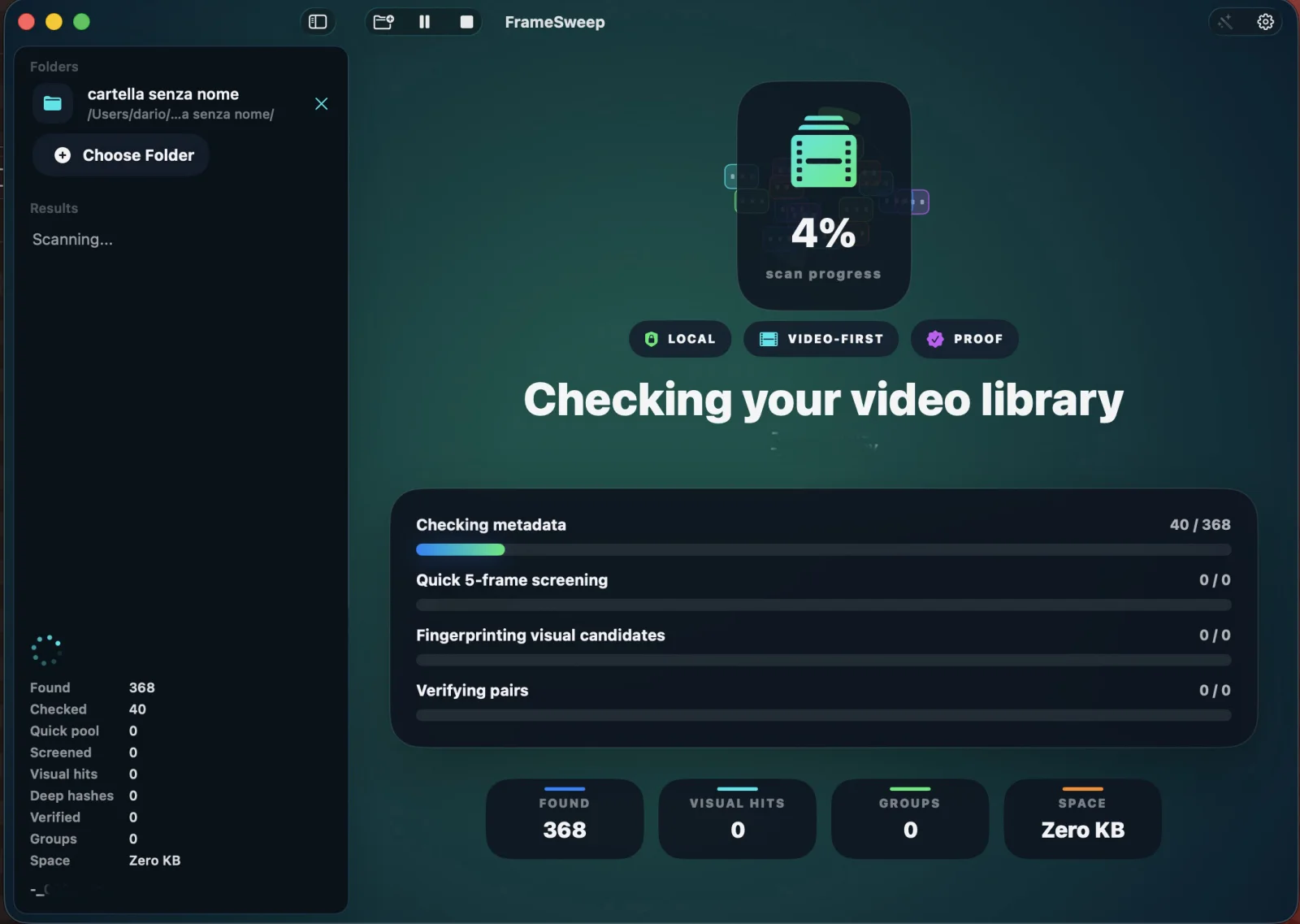
Find identical copies and the same full-length video after it is renamed, re-encoded or resized. Analyze selected folders and drives, monitor new videos when enabled and move only approved copies. Details Show less
- 01Choose folder
- 02Compare
- 03Move copies
Technical record and screenshots
Features and requirements
- Mac
- Photo & Video
- Utility
- Local analysis
- Visual proof
- macOS 14+ · Apple Silicon
Interface